If you’re a not-for-profit in Australia, you can access up to $10,000 USD per month in free Google Search ads through Google Ad Grants, helping more people find your services or connect with your organisation. That means you can appear in search results for relevant queries without using your own marketing budget.
To help not-for-profit organisations, we’ve put together the ultimate guide to Google Ad Grants – what it is, how to be eligible and the simplest path to get it up and running.
What is the Google Ad Grant?
Google Ad Grants is a program run by Google that provides eligible not-for-profit organisations with up to $10,000 USD (approximately $15,000 AUD) per month in free Google Search advertising credits.
An advertising credit is essentially a budget that lets you run ads on Google Search without paying out of pocket. These ads appear when someone searches for relevant words or phrases – for example, “donate to bushfire recovery”, “youth mentoring program” or “volunteer opportunities near me”.
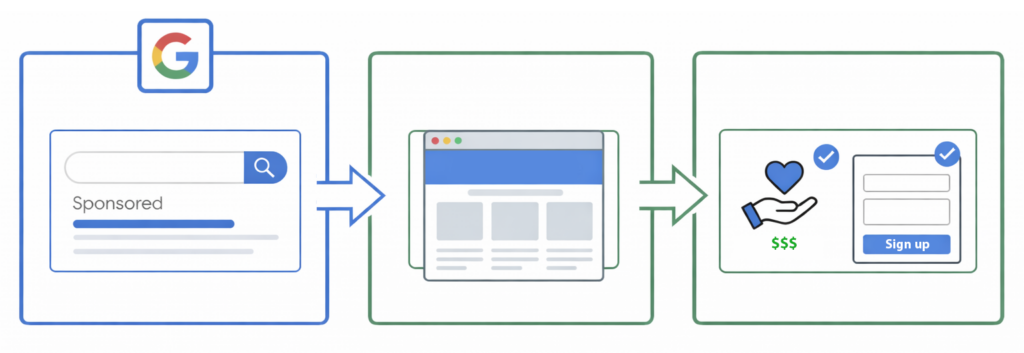
You choose the searches you want to show up for, create the ad and decide where on your website to send people to, such as your donation page, volunteer sign-up or a specific program page. Then when someone searches for those terms, your ad can appear at the top of the results and they can click straight through to take that key action.
How to make sure your organisation is eligible for Google Ad Grants in Australia
Google has specific requirements for each country and you’ll need to meet their policies to receive the grant. In Australia, eligibility starts with being registered as a charitable organisation, then being verified by Google.
Here are the four things you must do to get set up for Google Ad Grants in Australia.
1) Become a registered charity
Australian organisations pursuing Ad Grants will need to be on the ACNC Charity Register as a registered charity. The ACNC is the national regulator of charities and the Charity Register is the public record of registered charities.
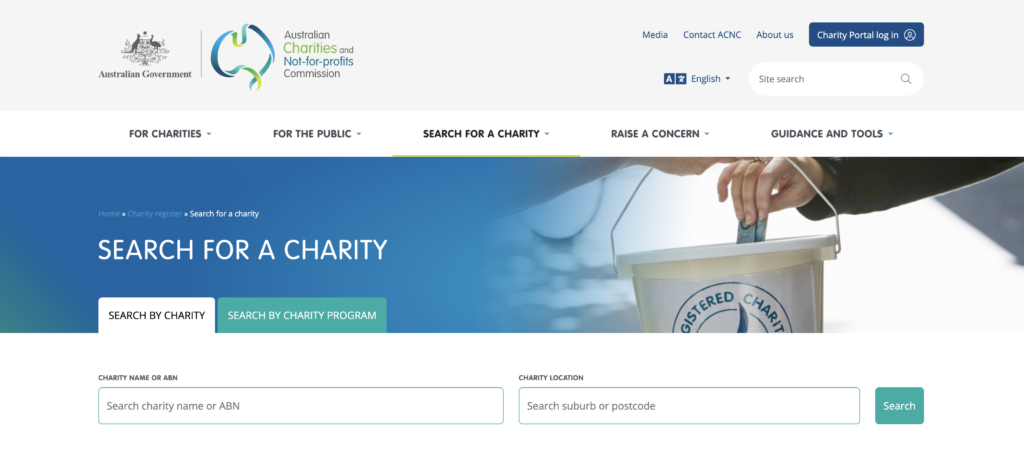
Searching the ACNC website can determine if your charity is officially registered.
2) Be verified with Google’s validation partner
Google requires nonprofits to be verified as legally registered and active social benefit organisations via its validation partner. In Australia, Google for Nonprofits currently references Goodstack for verification.
3) Agree to the program policies and required standards
Google Ad Grants comes with rules for how you run ads. To put it simply, you need to avoid vague keywords and keep your ads relevant so people actually click them. This ensures the grant is used to connect people with the right organisations and services.
4) You must have a high-quality, functional website
To qualify for Ad Grants, Google states your organisation must have a high-quality not-for-profit website design. In practice, that means a website that’s clear, easy to use, and built to a professional standard – including HTTPS (an active SSL certificate), fast load times and a mobile-friendly layout.
Why your website is the key to Google Ad Grants eligibility in Australia
If you’re a charity doing real work, eligibility should be straightforward. Where most Australian not-for-profits get held up is the website design.
Google’s baseline expectations are that your website is secure and responsive, meaning it works properly on all devices including mobile and tablet. But the bigger opportunity is setting your website up to perform well when you start driving traffic to it.
When you run Google Search ads, you’re sending people to pages on your website. If those pages are unclear or hard to use, the grant might still drive traffic, but you won’t see the outcomes that matter – donations, volunteer sign-ups or enquiries.
That’s where we come in. We can help you create a website for your not-for-profit organisation, built around the foundations required for initiatives like Google Ad Grants, while also setting you up for long term success. With the right UX and digital strategy, you can turn that extra visibility into measurable actions and results.
How to apply for Google Ad Grants
Here’s a step by step overview of the process. The exact screens may change over time, but the overall stages remain the same:
Step 1 – Get your website ready
Before you apply, make sure you have developed a professional website that is secure, mobile-friendly and built around what supporters are searching for.
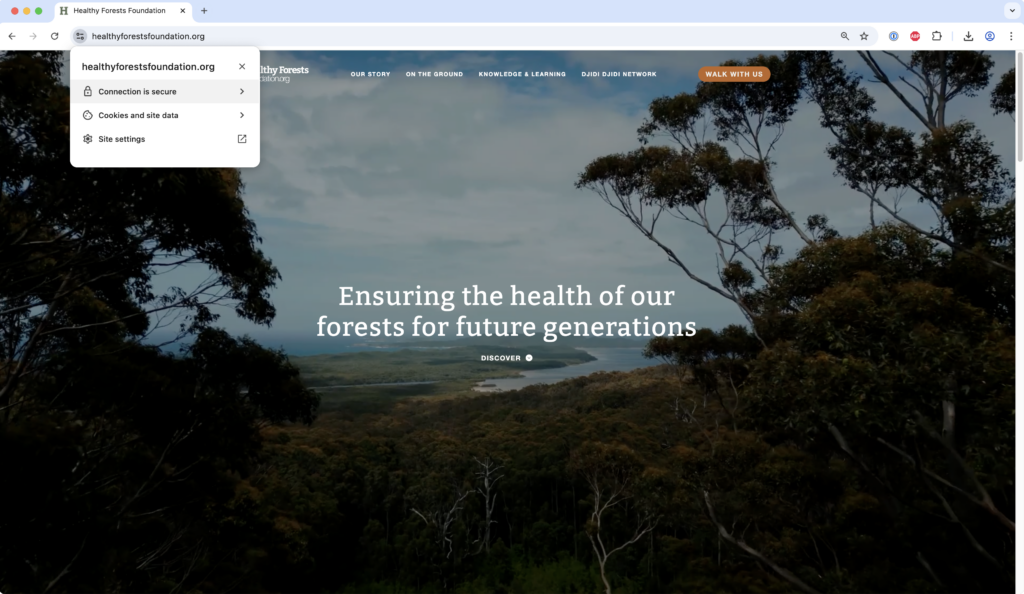
Example website: Healthy Forests Foundation, demonstrating a secure, Google compliant experience for Google Ad Grants.
- Publish clear pages for your mission, programs, donation options and volunteering.
- Make sure your website is secure (you’ll see a padlock in the browser) and that it looks good and works properly on mobile devices.
- Make each page relevant and appropriate to what people are searching for.
Step 2 – Register with Google for Nonprofits
Google Ad Grants is activated through Google for Nonprofits. To get started, click the Get Started button in the top right and confirm your Google account.
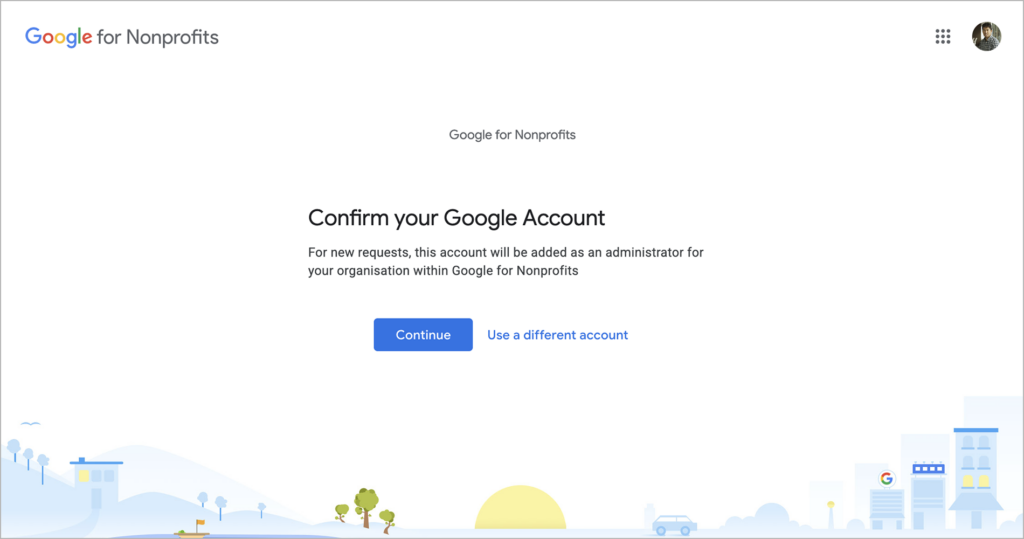
- Create or choose the Google account email that will own the program access.
- Submit your organisation details and follow the verification prompts.
- Complete verification through Google’s official validation partner.
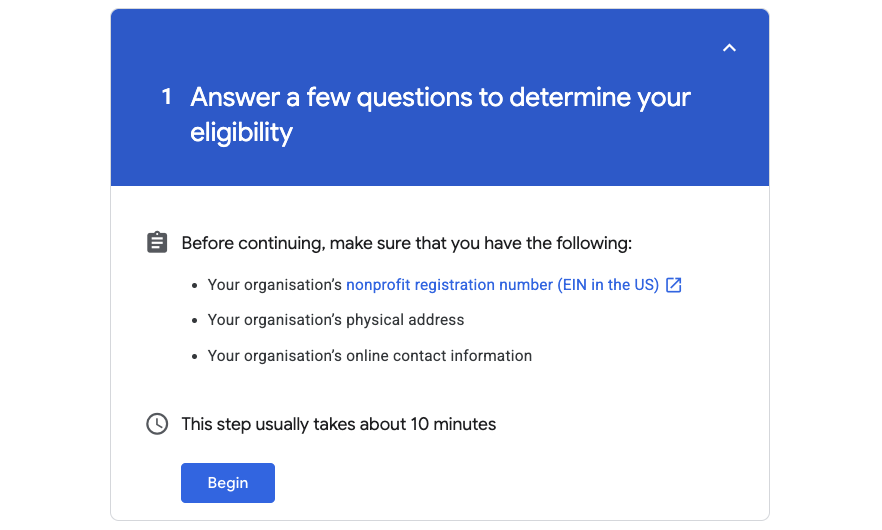
Step 3 – Activate Google Ad Grants
Once approved, you can activate Ad Grants from your dashboard. Google’s activation guide includes a website security check, a short welcome video and then an activation review submission.
- Sign in to Google for Nonprofits and select Google Ad Grants to get started.
- Submit your website for the HTTPS security check.
- Submit your activation request for review (Google notes this review typically takes around 3 business days).
Important: Google advises not to create a Google Ads account during the Ad Grants activation process because an account will be provided at the time of activation.
Step 4 – Submit a campaign for review
Before you go live, set up a campaign structure and prepare for review. You can do this internally or work with a partner who specialises in digital marketing for non-profits. The account must meet program policies to remain active long term.
- Create mission-aligned campaigns that match your services, programs and desired supporter actions.
- Use properly organised ad groups with relevant keywords and ads, not one huge mixed campaign.
- Install meaningful conversion tracking to measure key actions and outcomes.
How long does it take?
Timeframes vary based on how quickly verification is completed, how ready your website is and how clean your initial setup is. As a practical expectation, many organisations complete the end-to-end process within about 1 to 3 weeks, with Google’s Ad Grants activation review itself often being a few business days once submitted.
Do you need an agency to run Ad Grants?
Nope. Many organisations manage Ad Grants internally, as the grant is designed to be accessible to small teams with limited marketing experience and Google provides extensive support resources. However, it’s also common for non-profit organisations to engage a digital agency partner to help with setup and make sure the foundations are correct from day one. Beyond designing and developing your website and landing pages, an agency can provide training for your team, help you refine landing pages for key campaigns and step in when you need improvements or ongoing support.
If you don’t have a website yet and you’re looking to access Ad Grants, it may be worth checking in with our team to get a clear, practical plan for the next steps your organisation can take.